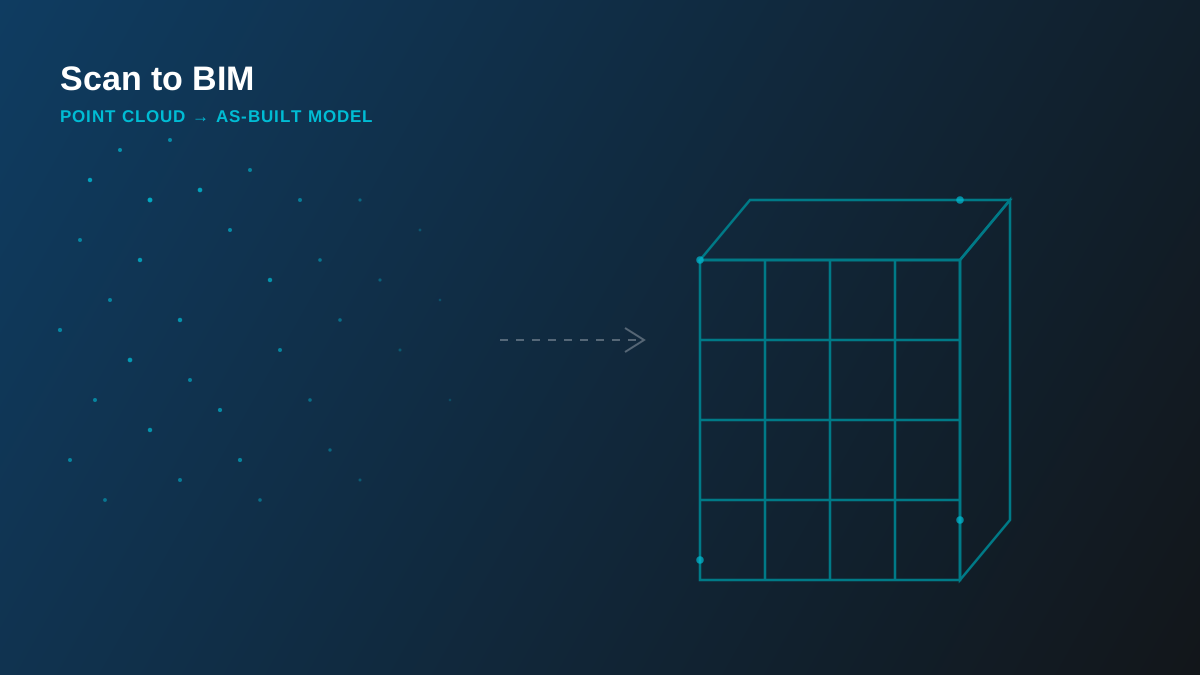
Existing buildings rarely match their original drawings - decades of small renovations, undocumented changes, and as-built deviations mean the only way to know what's actually there is to measure it. Scan to BIM turns that physical measurement into a usable, intelligent 3D model.
What Is Scan to BIM?
Scan to BIM starts with a 3D laser scanner (or photogrammetry, on smaller or lower-tolerance projects) capturing millions of measured points across every visible surface of a space - a point cloud. On its own, a point cloud isn't usable for design or construction: it's just measured geometry, with no walls, no systems, no data attached. Scan to BIM is the modeling process that turns that raw point cloud into an actual Revit model - walls, structure, MEP routing, rebuilt as intelligent BIM elements traced directly against the scan.
The Workflow: Scan to Model
- Site scanning - a laser scanner captures the space from multiple set-up points to eliminate line-of-sight gaps.
- Registration - individual scans are stitched into a single coordinated point cloud, typically in Autodesk ReCap.
- Modeling - the registered cloud is imported into Revit as a reference, and elements are modeled directly against the measured geometry rather than against original drawings.
- QA against the cloud - the finished model is checked back against the point cloud to confirm deviation stays inside the agreed tolerance.
How Accurate Is It?
Modern terrestrial laser scanners typically capture within a few millimetres of accuracy at the scan itself. The tolerance that actually matters, though, is the one between the point cloud and the finished BIM elements modeled from it - and that's a deliberate decision, not a given. A heritage facade being restored to exact profile needs a tighter tolerance than a warehouse shell being modeled for space planning. We agree the tolerance up front as part of scope, and QA the finished model against the source scan before delivery.
When Scan to BIM Pays Off
Scan to BIM earns its cost fastest on projects where trusting the original drawings is actually risky:
- Renovation and retrofit - existing conditions rarely match the original drawing set after years of undocumented changes.
- Heritage buildings - where original drawings may not exist at all, or where exact geometry matters for restoration work.
- As-built documentation - reconciling a design model against what was actually constructed, for a true LOD 500 handover.
- Facility management - owners need an accurate baseline model before they can plan maintenance, retrofits, or space changes with any confidence.
- Industrial and MEP-dense retrofits - existing pipe racks, ductwork and structural steel are far faster to capture by scan than by manual field measurement.
In the field: our scan-to-BIM projects have ranged from an aircraft wash hangar in Saudi Arabia to industrial lab retrofits in the US - the common thread is always the same: the drawings on file didn't match what was actually built, and the project needed a verified model before design work could safely begin.
What You Actually Get
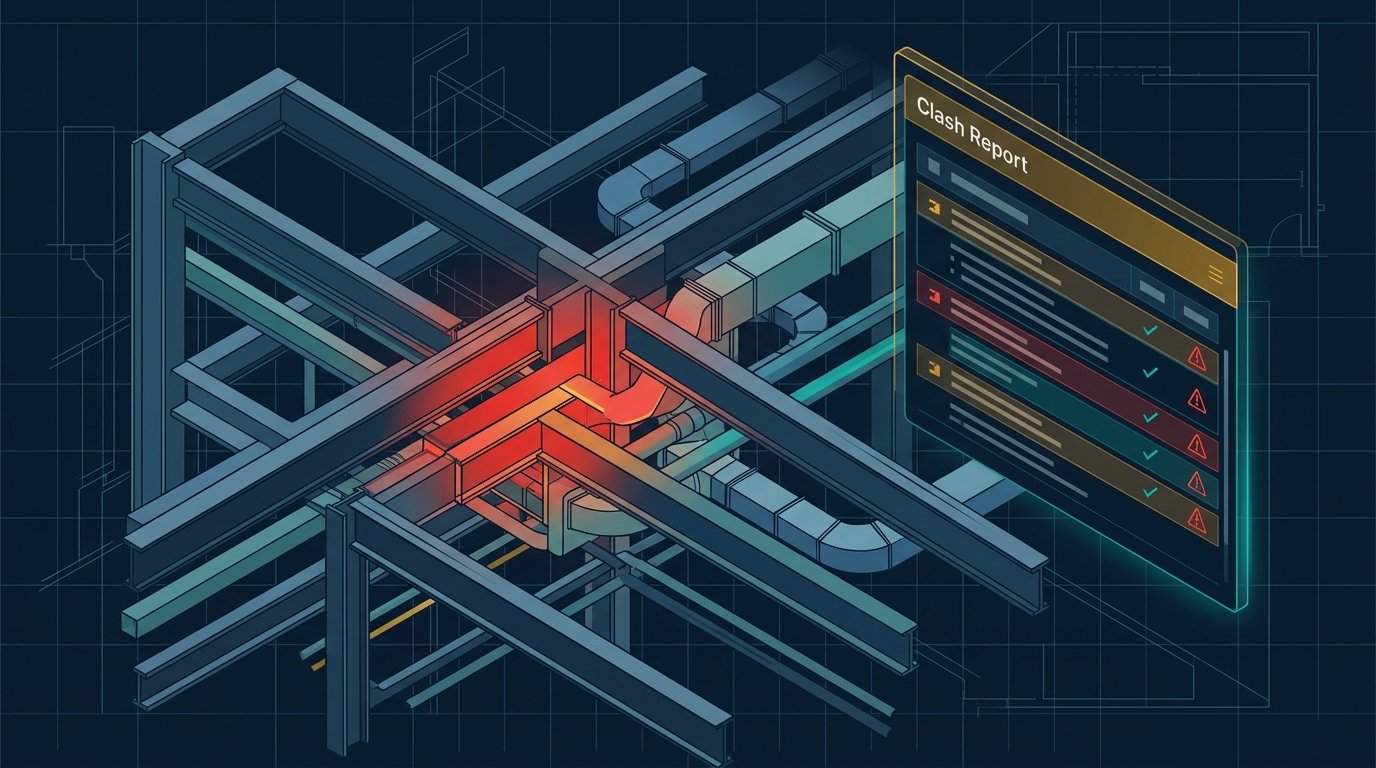
A scan-to-BIM deliverable is a full discipline model - architecture, structure, and MEP as required - built to the LOD agreed at scope, plus the registered point cloud itself for reference. From there the model feeds straight into renovation design, clash detection against new work, or facility management systems.
Our Scan to BIM service covers the full workflow from registration through modeled, QA'd deliverables - see the service page for supported scan formats, or get a free quote for your existing-conditions project.