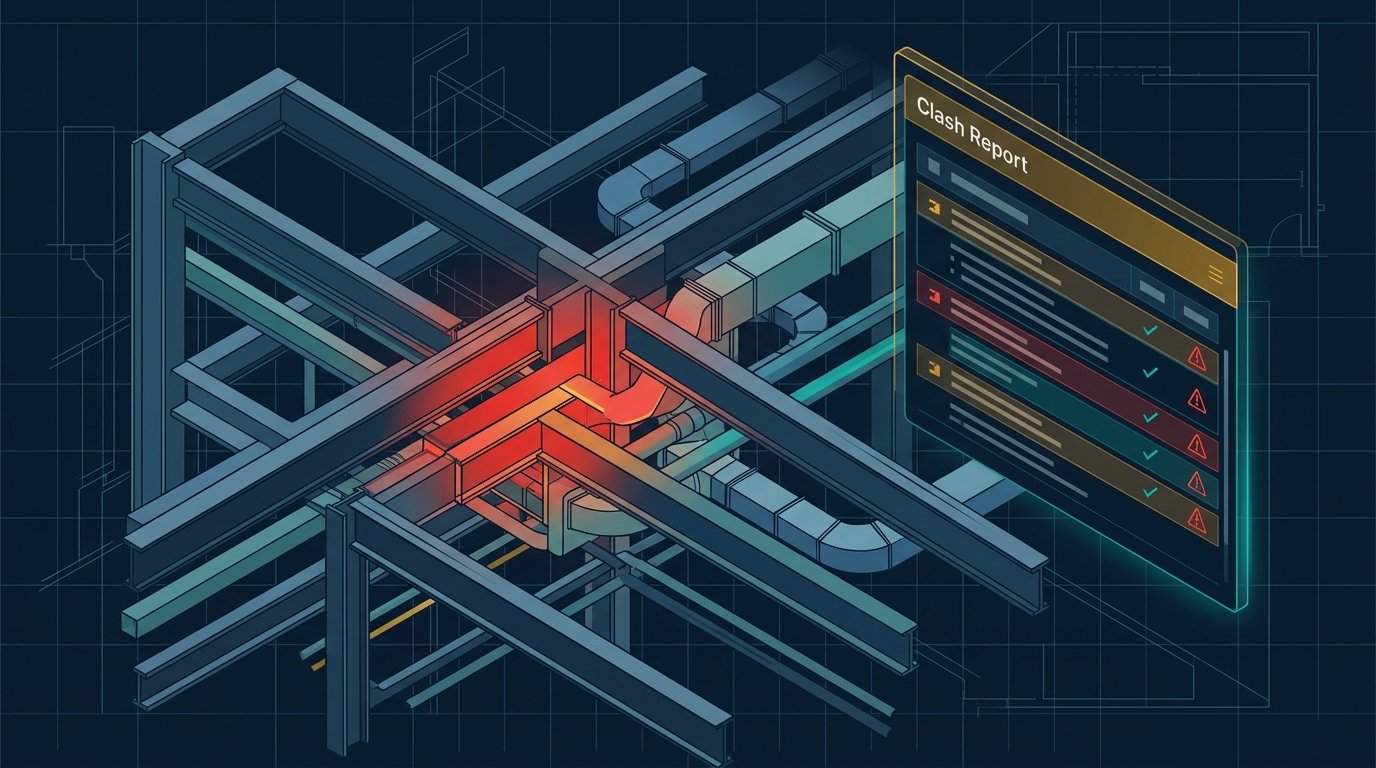
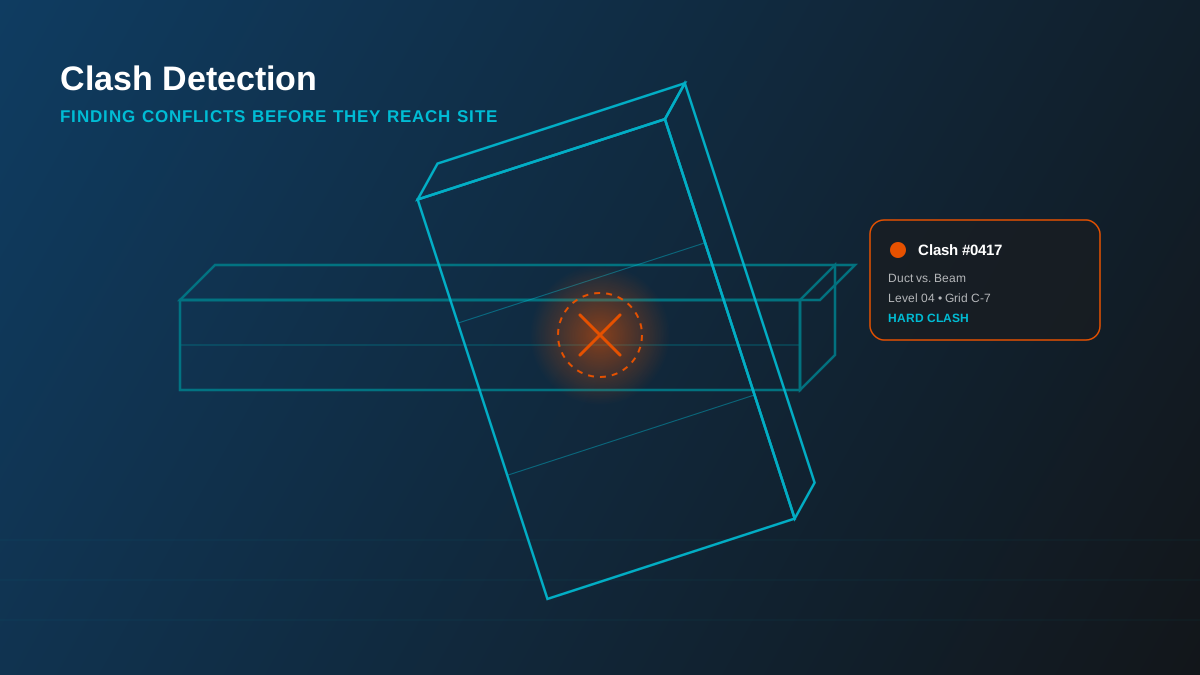
A duct and a structural beam trying to occupy the same 300mm of ceiling void is a cheap problem to fix on screen and an expensive one to fix on site. Clash detection is the process that catches it while it's still cheap - and it's one of the most measurable returns BIM delivers on a construction project.
What Is Clash Detection?
Clash detection is the process of overlaying federated models from every discipline - architectural, structural, MEP, fire protection - and running automated checks for where elements physically or functionally conflict. We do this primarily in Autodesk Navisworks, which can test thousands of element pairs across a federated model far faster and more consistently than a visual review of 2D drawings ever could. Clashes generally fall into three categories, and they're not all the same kind of problem.
Hard Clashes
A hard clash is a direct physical collision - two solid elements occupying the same space. A sprinkler main routed straight through a structural beam, a duct crossing a column, an electrical conduit inside a concrete wall it was never coordinated against. These are unambiguous and, left uncaught, they stop work on site the moment the conflicting element is fabricated or installed.
Soft Clashes
A soft (or clearance) clash isn't a direct collision - it's a violation of required working space: insulation thickness around a pipe, the swing radius of a door, minimum clearance above a ceiling for maintenance access, code-mandated separation around fire equipment. Soft clashes are often missed in a purely visual review because nothing is technically touching - which is exactly why they need to be modeled and tested deliberately.
Workflow Clashes
A workflow (or 4D/sequencing) clash isn't about two elements in the same place - it's about two trades needing the same space at the same time in the construction sequence. Structural steel erection and MEP rough-in competing for the same floor plate in the same week is a workflow clash, and it's caught by linking the coordinated model to a construction schedule rather than by geometry checks alone.
How the Workflow Actually Runs
In practice, clash detection is a recurring coordination cycle, not a one-off check at the end of design:
- Each discipline models to at least LOD 350, so interfaces and connections are actually represented.
- Models are federated in Navisworks using shared coordinates.
- Clash tests are run per rule set - MEP vs. Structure, MEP vs. Architecture, Fire Protection vs. everything above the ceiling.
- Each result is logged with location, discipline, and severity, and issued as a BCF report so the responsible modeler can act on it directly inside their own software.
- The cycle repeats on a set cadence through design development until the clash count trends to zero on the elements that matter.
In practice: not every clash is worth chasing to zero. A soft clash on a rarely-accessed service void is a different priority than a hard clash on a primary structural member. Part of running coordination well is triaging which clashes actually threaten the schedule or the budget.
Why It Saves Time and Money
The math on clash detection is straightforward: a conflict found in a coordination meeting costs a modeling revision. The same conflict found on site costs demolition, re-fabrication, idle trade crews, and a schedule slip that cascades into every trade behind it. On a multi-discipline project - a hospital, a data center, a high-rise with dense MEP risers - the volume of interfaces makes manual coordination essentially unreliable at scale. Running clash detection systematically, discipline by discipline, is what makes BIM coordination an actual risk-reduction exercise rather than a box-ticking one.
Our clash detection service covers all disciplines and issues BCF reports your team can act on directly - see the service page for exactly what's included, or get a free quote for your next coordination cycle.