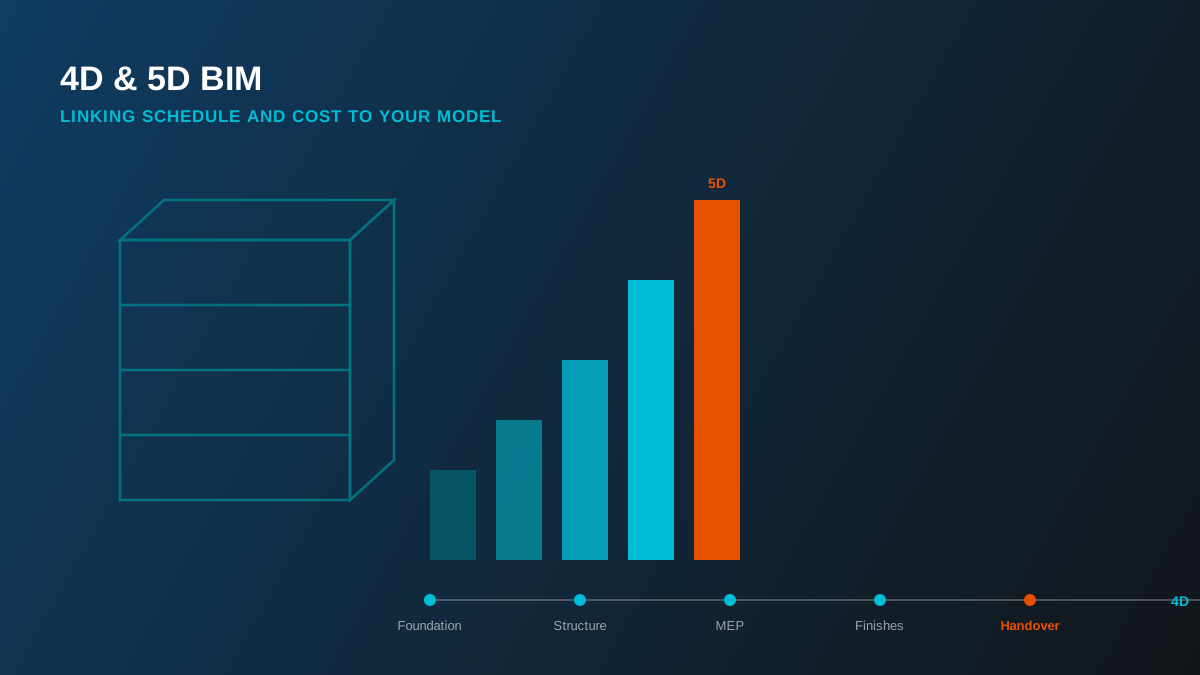
A 3D model tells you what's being built. 4D tells you when. 5D tells you what it costs. Neither is a separate model - both are the same BIM model with a different dataset linked to it, and together they turn a design tool into a genuine planning and cost-control tool.
Beyond 3D: Adding Time and Cost
The "D" numbering in BIM is really just shorthand for what data is linked to the 3D geometry. 4D links the model to a construction schedule. 5D links it to cost data. Both depend on the same foundation: a model where elements are organized and quantifiable in a way that maps cleanly onto schedule activities and cost codes - which is exactly why 4D/5D work is usually scoped against a model already built to at least LOD 300.
4D BIM: Construction Sequencing
4D BIM links model elements to a project schedule - typically built in Primavera P6 or Microsoft Project, and connected to the model through a platform like Synchro or Navisworks TimeLiner. The result is a visual simulation of construction sequence: watching the building assemble itself, phase by phase, against the actual programme dates. That simulation surfaces problems a Gantt chart alone won't show - trade stacking, unrealistic access sequencing, or a phase that looks fine on paper but is physically impossible in the order scheduled.
On more complex projects we've delivered full 4D Synchro simulations alongside as-built modeling, giving the project team a way to walk stakeholders through the construction sequence before a single trade mobilizes on site.
5D BIM: Cost Planning
5D BIM links the model to cost data - unit rates applied against quantities extracted directly from the model, rather than measured manually off drawings. Because the quantity take-off comes straight from modeled geometry, a 5D-linked model can regenerate an updated cost estimate every time the design changes, instead of waiting for a manual re-measure. That's the real value: cost planning that keeps pace with design development rather than lagging a revision cycle behind it.
This is also where quantity take-off and BOQ preparation connects directly to value engineering - once cost is live against the model, testing the cost impact of a design option is a model query, not a re-estimate from scratch.
How 4D and 5D Work Together
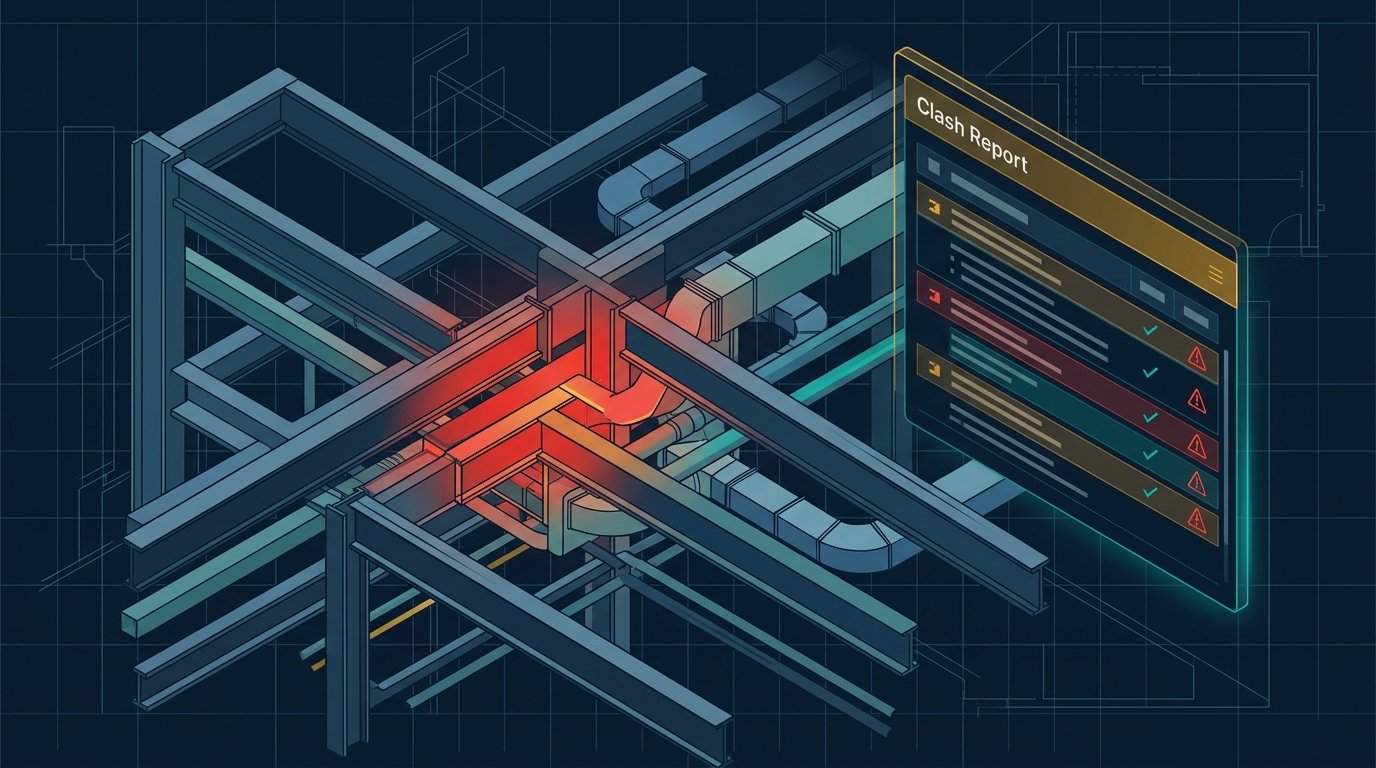
Run together, 4D and 5D answer the question that matters most to a project owner: not just what will this cost, but what will it cost by when. A schedule tied to cost data produces a cash-flow forecast - cost loaded against time - which is what most funding and drawdown schedules actually need. It's also how workflow clashes get caught early: if the 4D sequence shows two trades needing the same floor plate in the same week, that's a scheduling conflict worth resolving before it becomes a site coordination problem.
Worth knowing: 4D and 5D are only as reliable as the model feeding them. A model with inconsistent element organization or missing quantities will produce a schedule or cost estimate that looks precise and isn't. Getting the underlying BIM model's structure right is most of the actual work.
Getting Started with 4D/5D
4D and 5D aren't a separate deliverable bolted onto a finished model - they need to be planned for from the BIM Execution Plan onward, so element data and organization actually support the schedule and cost breakdown structure you'll need later. Our 4D & 5D BIM service covers construction sequencing, quantity take-off, and BOQ preparation - get a free quote to scope it against your project.